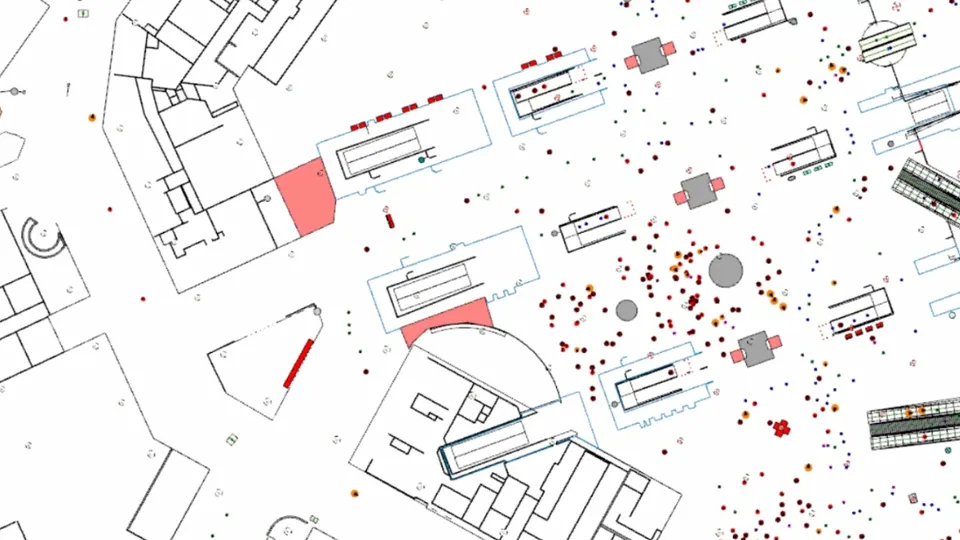
Simulate, analyze, and optimize pedestrian movement in crowded environments with Pedestrian Dynamics®
Organizations worldwide rely on Pedestrian Dynamics® to design safer, more efficient public spaces. Whether you’re planning a new infrastructure project or optimizing an existing facility, our platform provides the tools to model pedestrian behavior accurately and make informed decisions throughout the entire lifecycle—from design to daily operations.
With Pedestrian Dynamics®, you can create detailed simulations of pedestrian flows, test various scenarios, identify potential bottlenecks, and enhance safety measures without disrupting real-world activities.
25%
pedestrian flow optimization
20%
customer experience improvement
20%
construction time decrease
25%
pedestrian flow optimization
20%
customer experience improvement
20%
construction time decrease
Why Choose Pedestrian Dynamics®?
Our customers choose Pedestrian Dynamics® for its precision, scalability, and adaptability. It enables you to:
- Accurately model individual pedestrian behaviors and interactions, Pedestrian Dynamics has natural walking behaviour
- Evaluate multiple what-if scenarios to assess safety and efficiency
- Test and enhance crowd management strategies and emergency preparedness
- Scale simulations from small venues to large, multi-level infrastructures, up to 100.000’s of individual agents
- Faster than Realtime
Key Features of Pedestrian Dynamics®
Pedestrian Dynamics® combines user-friendly modeling with advanced simulation capabilities to support a wide range of crowd management applications.
Agent-Based Modeling
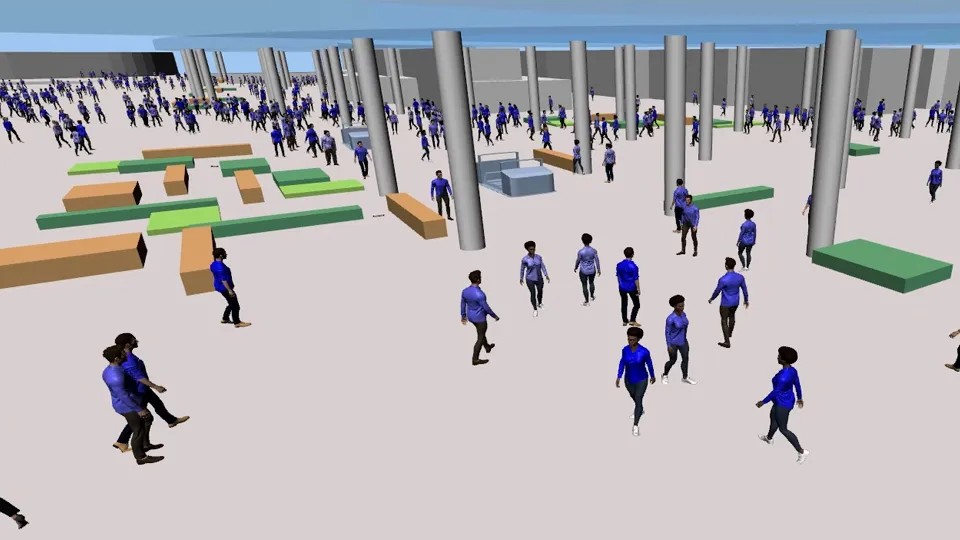
Pedestrian Dynamics uses agent-based modeling to simulate how individual pedestrians (or “agents”) move and interact within an environment. By assigning behavioral rules to each agent, the model captures realistic crowd patterns such as movement flows, congestion, and route choices. This approach makes it possible to forecast how people respond to changes in infrastructure.
Road Traffic and Public Transport
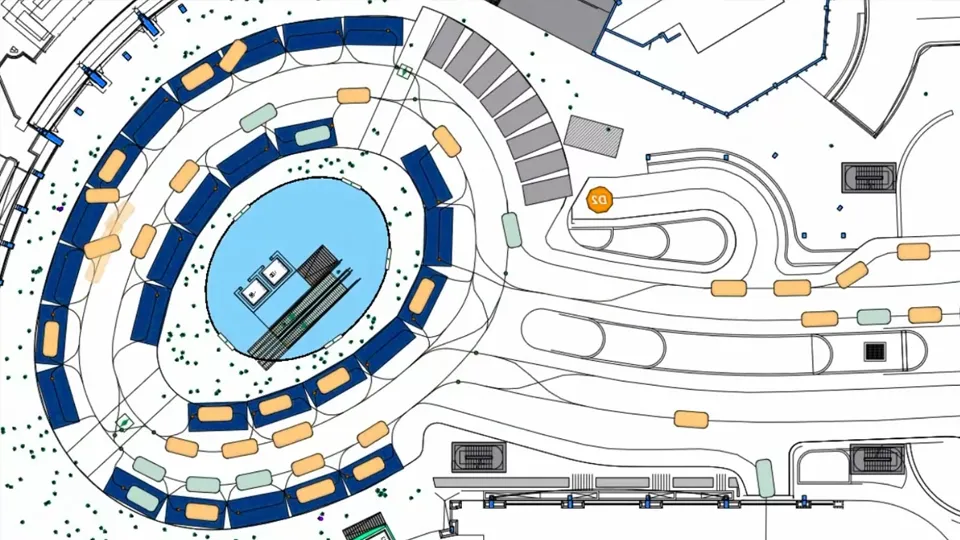
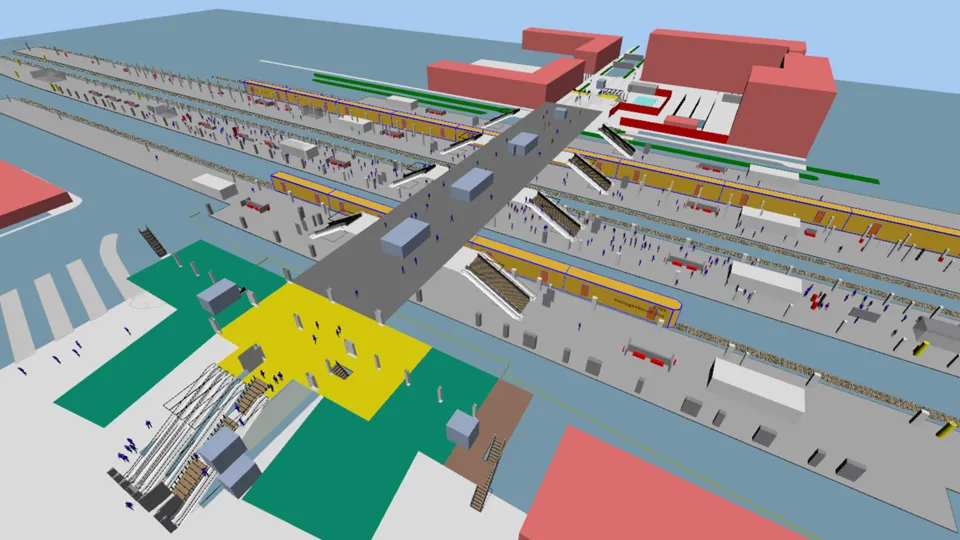
Pedestrian Dynamics® lets you model and simulate pedestrian behavior in and around transportation infrastructure with full integration of road traffic and public transport. This allows you to create realistic, end-to-end simulations of how pedestrians interact with vehicles, buses, trains, and other transport systems, helping optimize safety, flow, and connectivity across urban environments.
2D and 3D Visualization
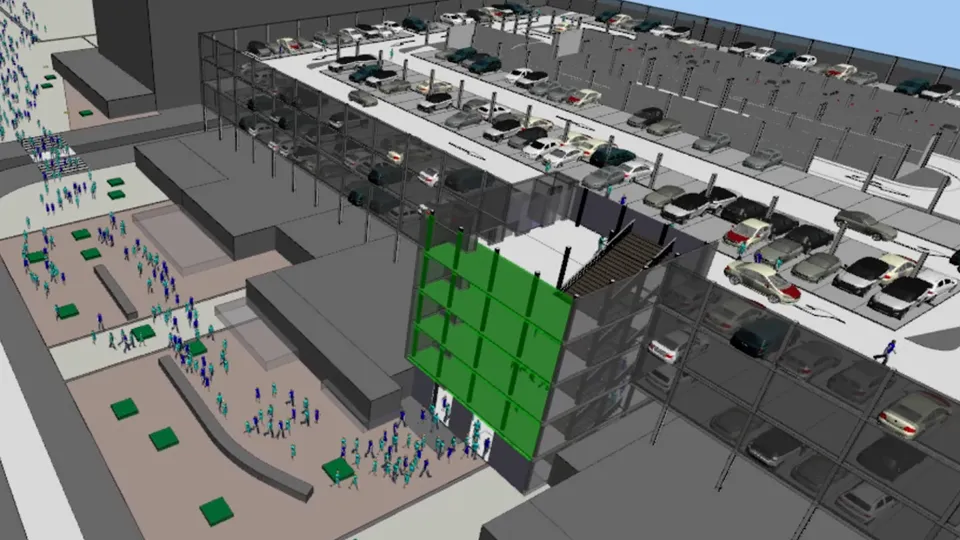
With Pedestrian Dynamics®, you can bring simulations to life through powerful 2D and 3D visualization. Imported data is transformed into interactive models that clearly show how pedestrian crowds move through different infrastructures.
These visualizations make it easier to analyze flows, identify bottlenecks, and optimize safety and security in venues, transport hubs, and urban environments.
Customizable Object Libraries
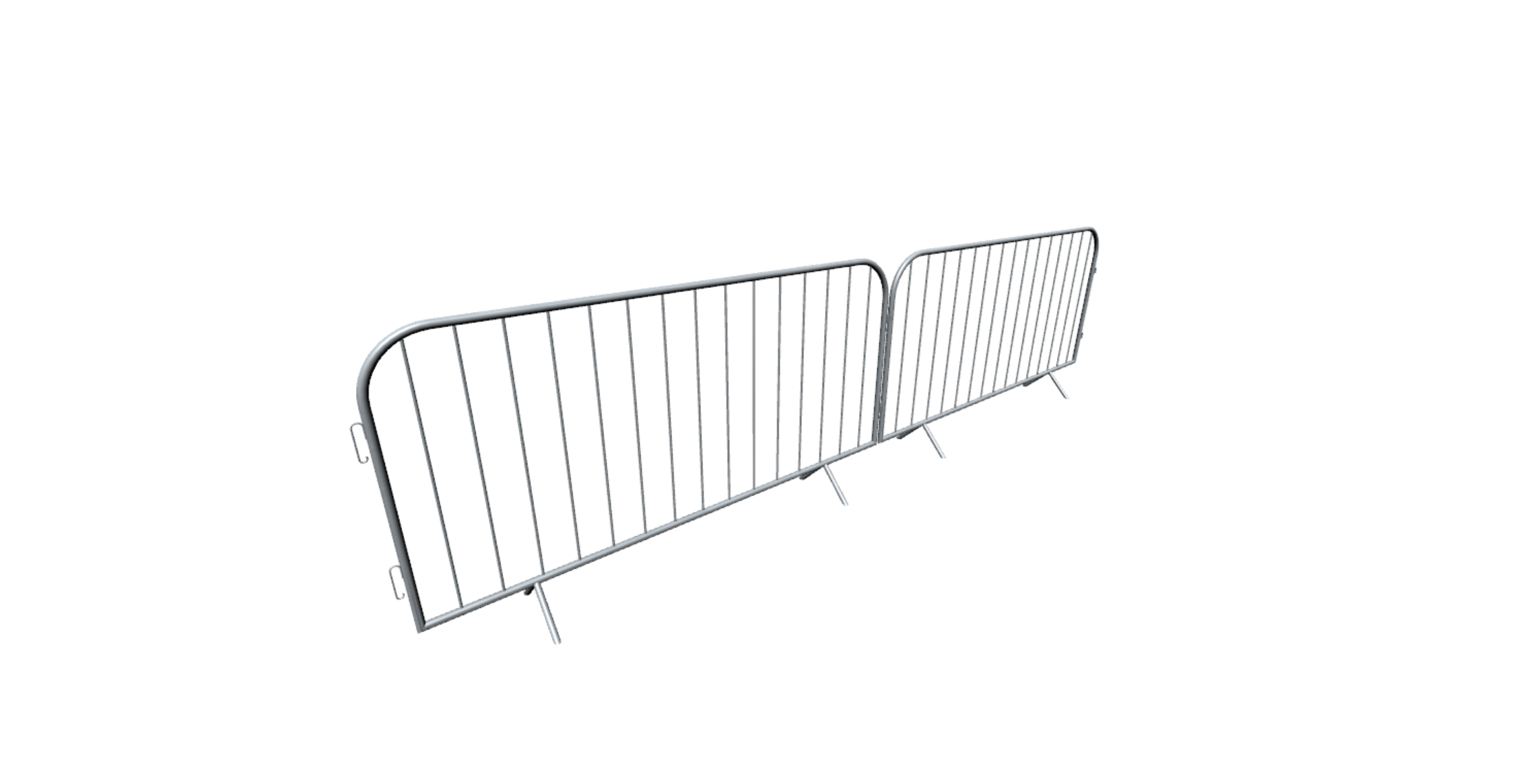
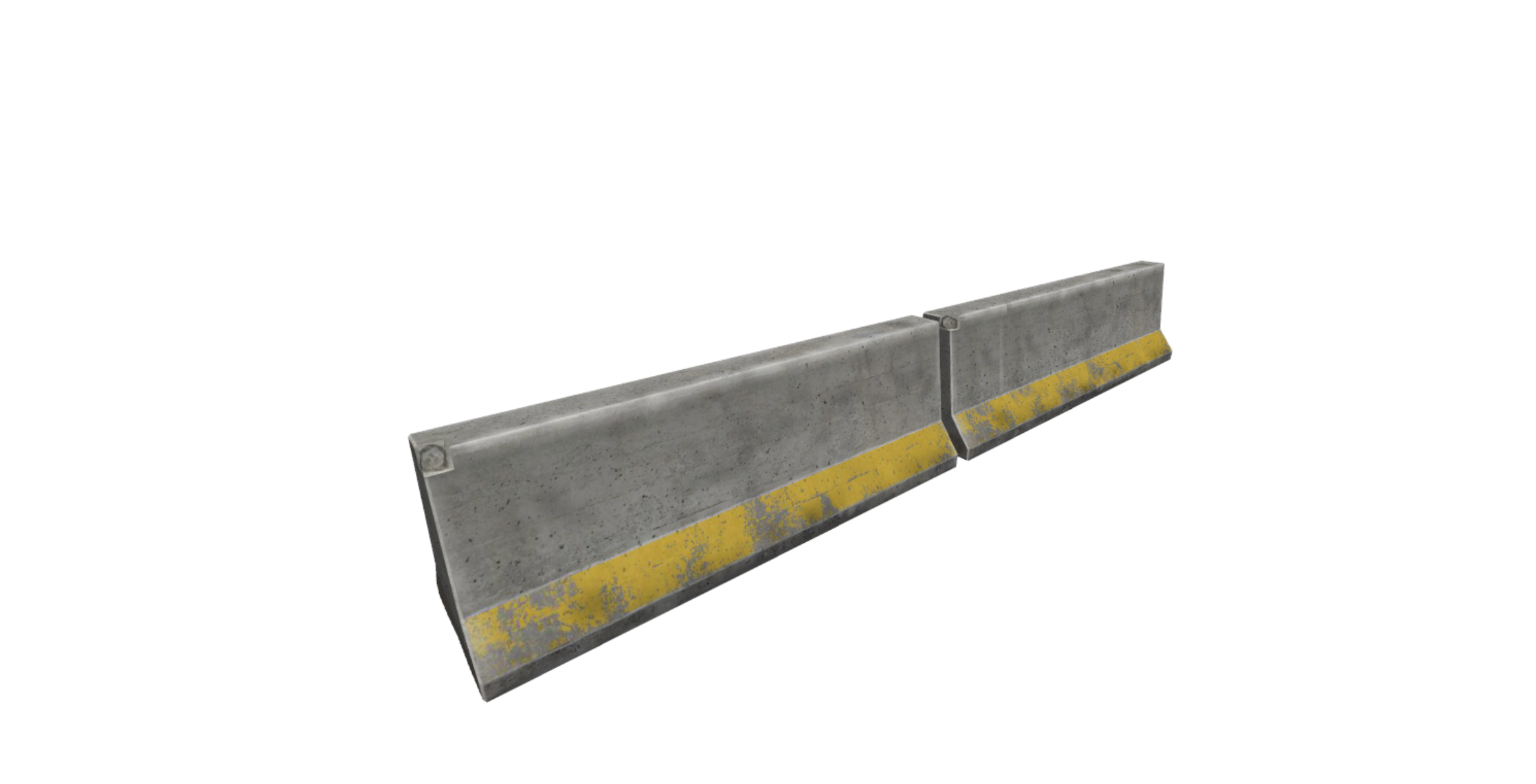
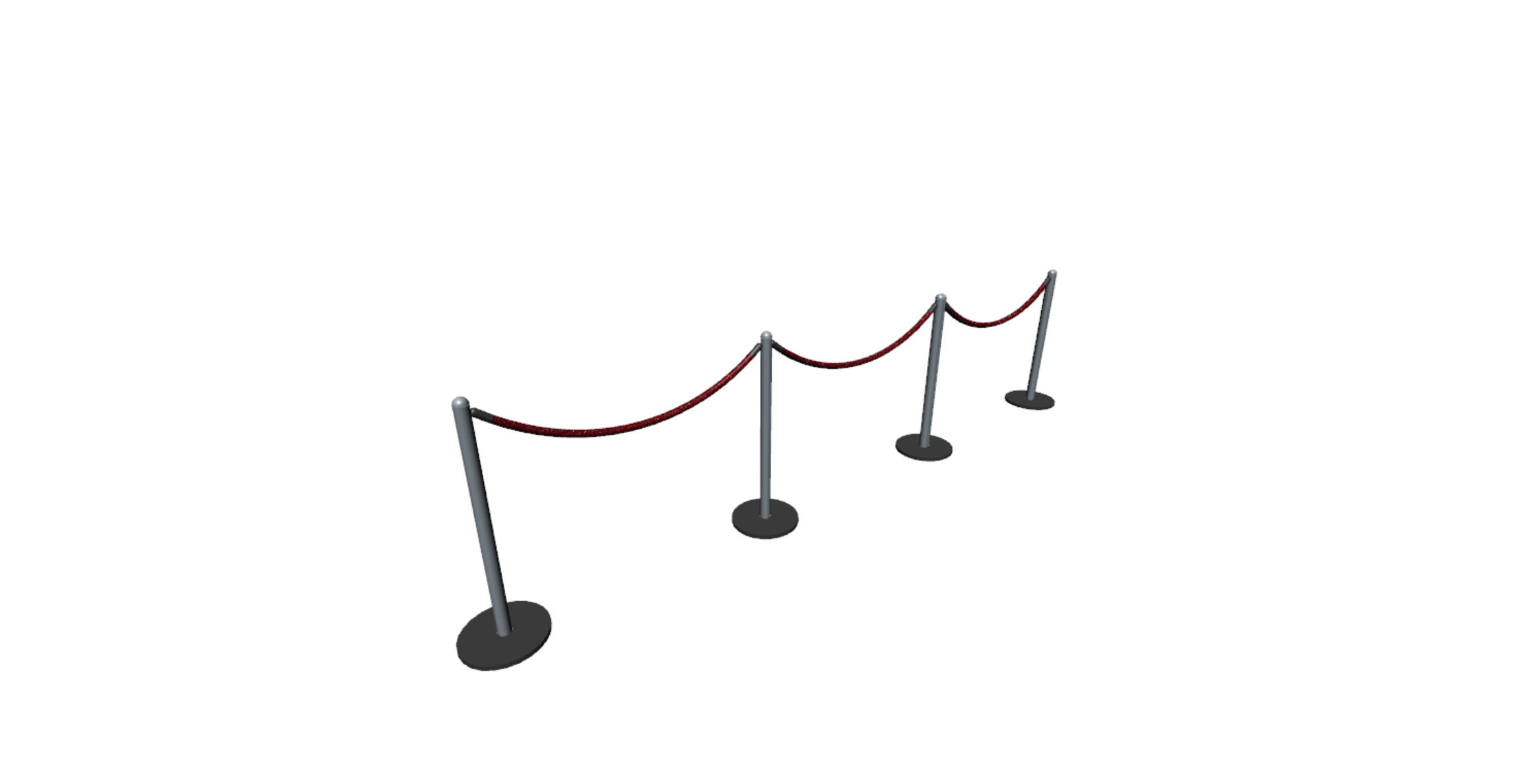
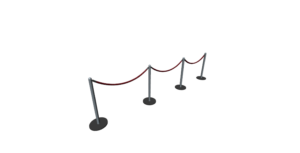
Pedestrian Dynamics® lets you utilize and adapt a wide range of simulation objects to fit your specific scenarios. With pre-built, customizable elements like cars, buses, stanchions, security gates, and other infrastructure-specific objects, you can build detailed digital twins that realistically simulate pedestrian flows, optimize safety and efficiency, enhance the overall experience, and clearly demonstrate design choices to stakeholders.
Data Integration
InControl’s Pedestrian Dynamics® connects seamlessly with external systems and real-time data feeds—such as cameras and sensors—to enrich simulations with live input. By incorporating real-world data, digital twins become more accurate and dynamic, enabling better evaluation of scenarios, performance optimization, and informed decision-making.
This makes it a powerful tool for improving pedestrian and crowd management across infrastructures like airports, urban areas, events, and commercial spaces—while also providing clear insights for stakeholder communication.
Scenario Analysis
Pedestrian Dynamics® allows you to test and compare different strategies within a digital twin to model and optimize pedestrian flows. By analyzing factors such as bottlenecks, infrastructure design, and visitor numbers, the software helps predict potential issues, evaluate their impact on safety and efficiency, and identify the most effective solutions for complex environments. This makes it easier to make informed decisions and build confidence with stakeholders.
Parameterization
With Pedestrian Dynamics®, you can define and adjust a wide range of input parameters to build detailed simulations of pedestrian movement. Based on real-world data, these parameters capture crowd characteristics, infrastructure layouts, and operational scenarios within a digital twin.
This enables accurate predictions and optimizations for safety, efficiency, and the overall customer experience across any type of infrastructure.
Result Export
Pedestrian Dynamics® makes it easy to export simulation results to Excel, databases, or business intelligence (BI) tools for deeper analysis. This capability supports efficient scenario comparison, bottleneck identification, and the measurement of safety, comfort, and overall performance. By turning simulation outcomes into actionable insights, you can optimize processes and improve decision-making across venues and infrastructures.
Pedestrian Dynamics uses agent-based modeling to simulate how individual pedestrians (or “agents”) move and interact within an environment. By assigning behavioral rules to each agent, the model captures realistic crowd patterns such as movement flows, congestion, and route choices. This approach makes it possible to forecast how people respond to changes in infrastructure.
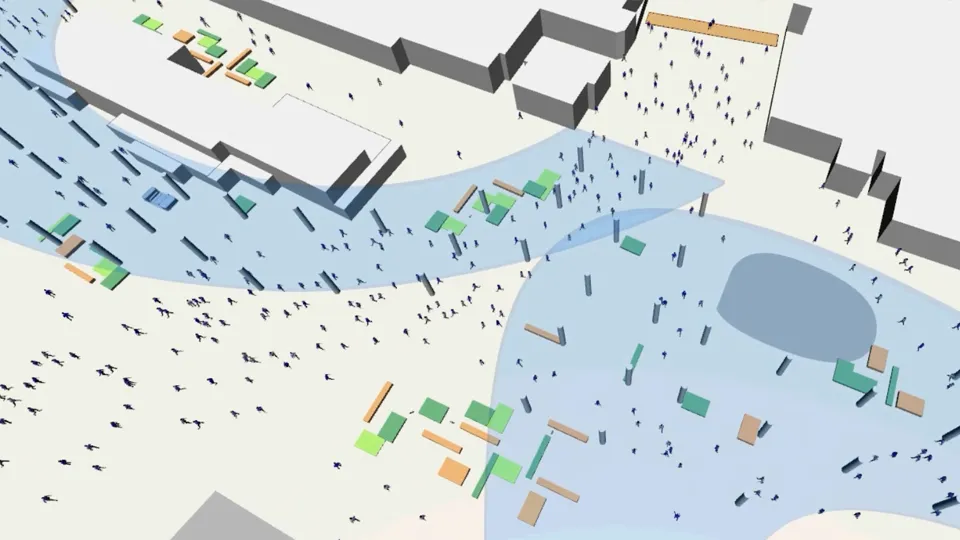
Pedestrian Dynamics® lets you model and simulate pedestrian behavior in and around transportation infrastructure with full integration of road traffic and public transport. This allows you to create realistic, end-to-end simulations of how pedestrians interact with vehicles, buses, trains, and other transport systems, helping optimize safety, flow, and connectivity across urban environments.
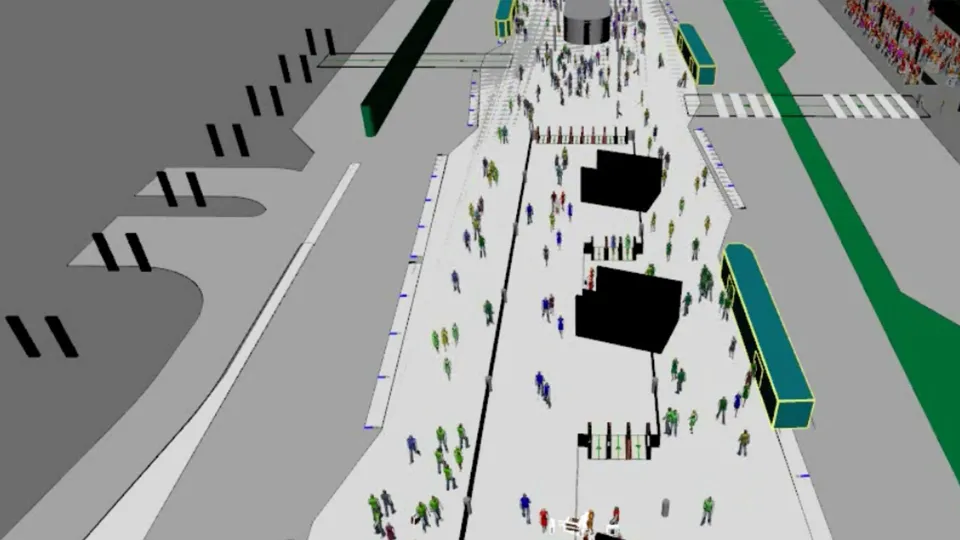
With Pedestrian Dynamics®, you can bring simulations to life through powerful 2D and 3D visualization. Imported data is transformed into interactive models that clearly show how pedestrian crowds move through different infrastructures.
These visualizations make it easier to analyze flows, identify bottlenecks, and optimize safety and security in venues, transport hubs, and urban environments.
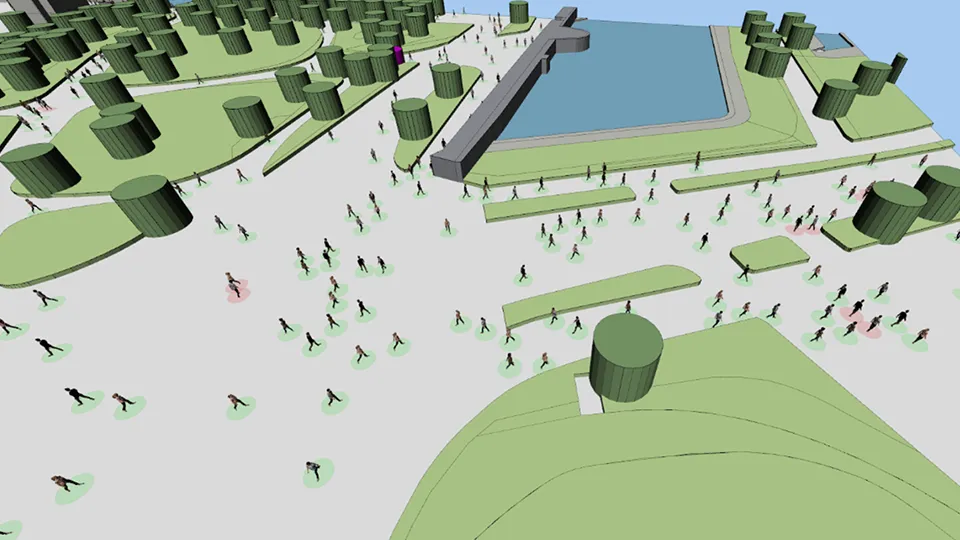
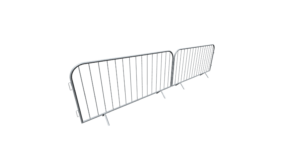
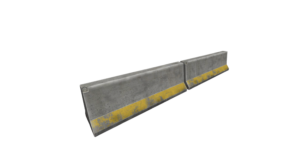
Pedestrian Dynamics® lets you utilize and adapt a wide range of simulation objects to fit your specific scenarios. With pre-built, customizable elements like cars, buses, stanchions, security gates, and other infrastructure-specific objects, you can build detailed digital twins that realistically simulate pedestrian flows, optimize safety and efficiency, enhance the overall experience, and clearly demonstrate design choices to stakeholders.
InControl’s Pedestrian Dynamics® connects seamlessly with external systems and real-time data feeds—such as cameras and sensors—to enrich simulations with live input. By incorporating real-world data, digital twins become more accurate and dynamic, enabling better evaluation of scenarios, performance optimization, and informed decision-making.
This makes it a powerful tool for improving pedestrian and crowd management across infrastructures like airports, urban areas, events, and commercial spaces—while also providing clear insights for stakeholder communication.
Pedestrian Dynamics® allows you to test and compare different strategies within a digital twin to model and optimize pedestrian flows. By analyzing factors such as bottlenecks, infrastructure design, and visitor numbers, the software helps predict potential issues, evaluate their impact on safety and efficiency, and identify the most effective solutions for complex environments. This makes it easier to make informed decisions and build confidence with stakeholders.
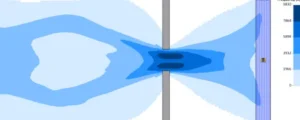
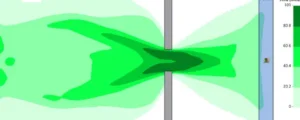
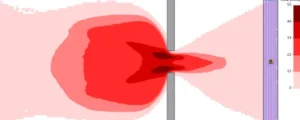
With Pedestrian Dynamics®, you can define and adjust a wide range of input parameters to build detailed simulations of pedestrian movement. Based on real-world data, these parameters capture crowd characteristics, infrastructure layouts, and operational scenarios within a digital twin.
This enables accurate predictions and optimizations for safety, efficiency, and the overall customer experience across any type of infrastructure.
Pedestrian Dynamics® makes it easy to export simulation results to Excel, databases, or business intelligence (BI) tools for deeper analysis. This capability supports efficient scenario comparison, bottleneck identification, and the measurement of safety, comfort, and overall performance. By turning simulation outcomes into actionable insights, you can optimize processes and improve decision-making across venues and infrastructures.
Key Features of Pedestrian Dynamics®
Pedestrian Dynamics® combines user-friendly modeling with advanced simulation capabilities to support a wide range of crowd management applications.
Real World Impact
Pedestrian Dynamics® is utilized across various sectors to improve safety and efficiency:
Crowded Places
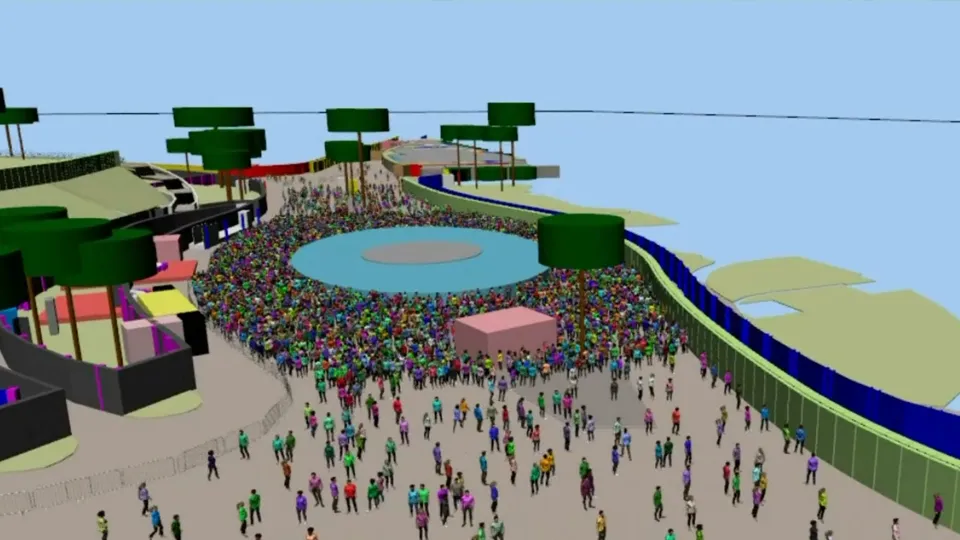
Plan crowd control, ingress/egress, visitor flow management, and emergency evacuation for infrastructures and large-scale public events
Architectural Engineering
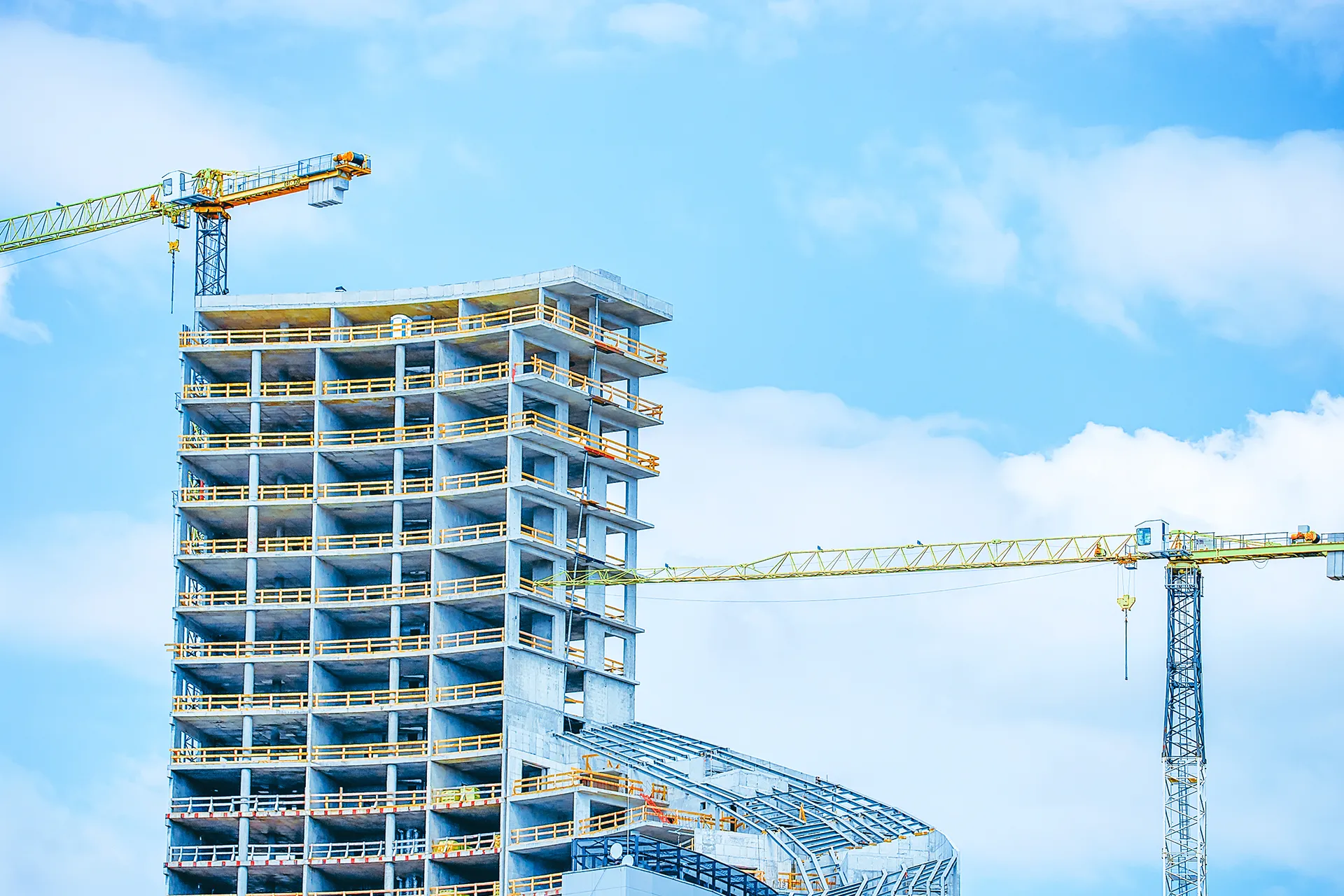
Visualize, optimize, and validate complex infrastructure. Create virtual replicas of real-world infrastructure to test, modify and optimize.
Airports & Transportation Hubs
Optimize passenger flow, queues, check-in, security, and boarding procedures in terminals and stations.
Fast, flexible, and scalable Implementation
Whether managing a single venue or a busy urban area, our solutions scale to your needs
Modular & Scalable
From small venues to city-wide simulations
No Coding Required
Intuitive platform designed for planners and operators
Seamless Integration
Combine with ticketing, POS, IoT, or access control systems
Expert Support
From data collection to actionable insights, we support your team
Modular & Scalable
From small venues to city-wide simulations
No Coding Required
Intuitive platform designed for planners and operators
Seamless Integration
Combine with ticketing, POS, IoT, or access control systems
Expert Support
From data collection to actionable insights, we support your team
See Pedestrian Dynamics® in Action
Interested in how Pedestrian Dynamics® can benefit your project? Experience the capabilities of our simulation software through a guided demo or by trying it yourself.
See Pedestrian Dynamics® in Action
Interested in how Pedestrian Dynamics® can benefit your project? Experience the capabilities of our simulation software through a guided demo or by trying it yourself.
Trusted by industry leaders
Licenses
Pedestrian Dynamics® offers flexible licensing options to suit various project needs and organizational sizes. Below is a comparison of the functionalities included in each license level.
Open, run and view available simulation models and applications
Design, analyze & optimize
Develop, integrate & distribute
Start for Free
Viewer
Open, run and view available simulation models and applications
Studio
Design, analyze & optimize
Developer
Develop, integrate & distribute
> Home Edition
Start for Free!
Function | Viewer | Studio | Developer |
|---|---|---|---|
Open | |||
Run | |||
View | |||
Configure | |||
Analyze | |||
Model | |||
Develop |
Frequently
Asked
Questions
What is Pedestrian Dynamics and what makes it unique?
Pedestrian Dynamics® is an advanced crowd simulation platform that allows you to model and analyze how people move and interact within complex environments. It uses microscopic, agent-based modeling, where each individual has their own characteristics such as walking speed, size, and destination.
What sets Pedestrian Dynamics apart is its ability to combine high behavioral realism with large-scale performance. You can simulate anything from a single building to entire airports, stadiums, or large-scale events—handling over 100,000 agents simultaneously.
The model captures real-world phenomena such as:
- Lane formation
- Stop-and-go waves
- Congestion and bottlenecks
This makes it a powerful tool for both design optimization and safety analysis.
What kinds of environments and use cases can be modeled?
Pedestrian Dynamics can be used to model virtually any environment where people move, including:
- Airports and terminals
- Railway and metro stations
- Stadiums and event venues
- Shopping malls and office buildings
- Urban areas and public spaces
It also supports detailed elements such as:
- Elevators (including capacity, speed, and queueing behavior)
- Escalators, corridors, and waiting areas
- Transportation systems (trains, buses, trams with boarding and alighting behavior)
Typical applications include:
- Evaluating crowd flow and comfort
- Optimizing layouts and capacity
- Testing evacuation scenarios
- Improving safety and crowd management strategies
How easy is it to build and customize a simulation model?
Pedestrian Dynamics is designed to be accessible to both engineers and non-programmers.
- Your first model can be created in under a minute
- Intuitive user interfaces allow easy parameter adjustments
- No programming knowledge is required for standard use
For advanced users, the platform includes a scripting language that enables:
- Custom pedestrian behavior
- Time-based control logic
- Scenario-specific rules and triggers
This flexibility allows you to move from quick prototypes to highly detailed simulations.
What data formats and integrations does Pedestrian Dynamics support?
Pedestrian Dynamics supports a wide range of industry-standard formats to accelerate model building:
Geometry & design data:
- CAD: .dwg, .dxf, .dwf
- BIM: IFC2x3, IFC4 (with selective element import such as walls, doors, ramps)
- 3D models: .fbx, .wrl, .3ds
- City models: CityGML (.gml)
Integration capabilities:
- Database connections
- Real-time data via TCP/IP
- General 3D import tools
These integrations significantly reduce modeling time and enable data-driven simulations.
How can Pedestrian Dynamics be used to test designs and improve operations?
Pedestrian Dynamics allows you to compare different layouts and operational strategies before implementation.
You can test variations such as:
- Corridor widths and exit placements
- Security lane configurations
- Queue layouts and barrier positions
- Signage and routing strategies
- Retail or furniture placement
The software helps improve:
- Crowd management plans
- Entry and exit strategies
- Emergency procedures
- Staffing and operational decisions
For operational use, models can also be applied through tools like TruVenue, enabling non-experts to analyze crowd behavior in real-world scenarios.
What kind of results and outputs can I analyze?
Pedestrian Dynamics provides a wide range of outputs to evaluate performance and safety:
Key metrics include:
- Flow rates (people per minute)
- Density (people per m²)
- Travel and delay times
- Queue lengths and waiting times
- Evacuation times
Visualization and analysis tools:
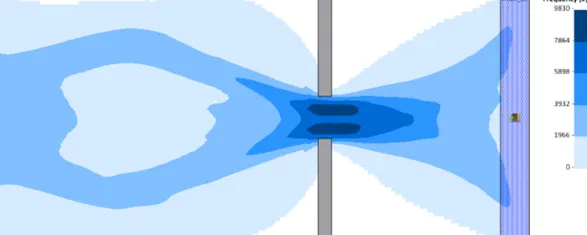
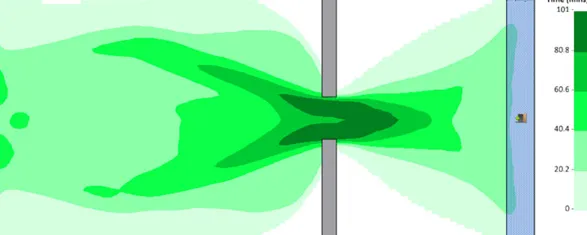
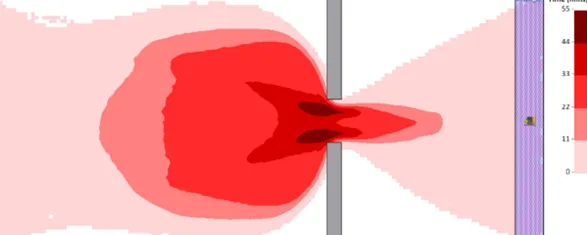
- Density and frequency heatmaps
- Time-based graphs (density, delay, travel time)
- Histograms and statistics
- 2D and 3D playback with video recording
Results can be exported to formats such as .csv and .bmp for further analysis.
How accurate and realistic are the simulations? Are they verified and validated?
Pedestrian Dynamics is based on established scientific models from academic research and follows internationally recognized validation guidelines.
The software is verified and validated in accordance with:
- International Maritime Organization (IMO) MSC.1/Circ. 1533
- National Institute of Standards and Technology (NIST) Technical Note 1822
- RIMEA guidelines (Version 3.0.0)
Validation is an ongoing process, ensuring continuous improvement of model accuracy.
The simulations reproduce realistic crowd behaviors and align with known literature on pedestrian flow and movement.
Download Pedestrian Dynamics Verification & Validation Document (PDF)
What are acceptable crowd densities?
Acceptable crowd density depends on context and purpose (comfort, efficiency, or emergency).
Typical reference values:
Public buildings (airports, stations, malls):
- Comfortable: < 2.0 people/m²
- Short peaks: up to 3.0 people/m²
Events and stadiums:
- Peaks up to 4.0 people/m² (briefly)
- Above 4.5–5.0 people/m² becomes a safety concern
Emergency situations:
- 3.0–4.0 people/m² near exits may occur
- Designs should prevent dangerous effects like crowd compression or shockwaves
These values should always be assessed together with safety experts.
What support and resources are available?
Pedestrian Dynamics provides extensive support to help you get started and succeed:
- Step-by-step tutorials (video and written)
- Example models with explanations
- Documentation on specific features (e.g., geometry import)
- Training courses offered by InControl
These resources help users quickly become productive and build high-quality simulation models.
Related Resources
Get started with our collection of tutorials, documentation, and how-to videos
Video Tutorial
Documents
Documents
Download
Ready to take the next step?
Whether you’re seeking expert advice, a personalized demonstration, or more information on how Pedestrian Dynamics® can enhance your projects, our team is ready to assist you.